
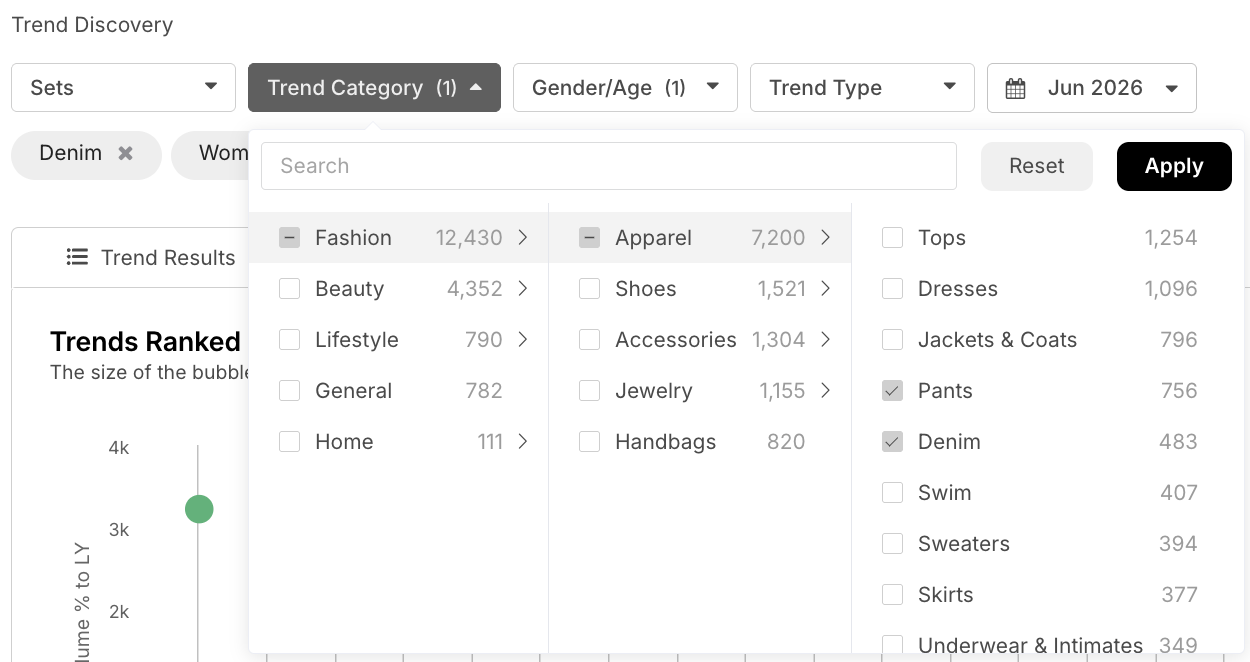
Use the Trend Category filter to narrow your view to specific categories and surface the top trends within each one.
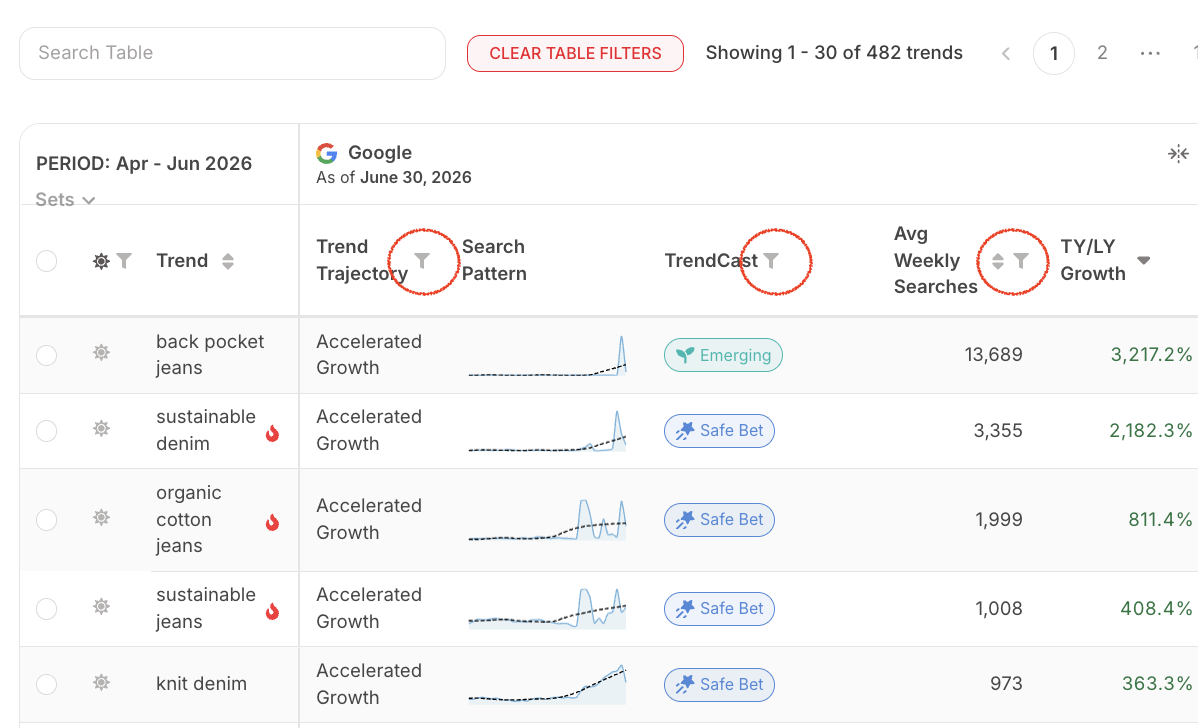
After applying your Trend Category filters, scroll past the bubble chart and use the table view dropdowns in the Google section to further refine your results.
To find the top growing trends, set Trend Trajectory to Accelerated, Steady, and Slowing Growth, then filter Avg Weekly Searches to Medium, High, and Extreme. For an added layer of insight, use TrendCast to identify trends with Emerging or Safe Bet behaviors based on our AI models.
Check out our video to assist you with pulling the top trends and emerging trends across Google Search!
Once you’ve narrowed your results to the categories, trend signals, and search behaviors you want to monitor, save that filtered view with a clear, descriptive name so you can quickly return to it later. This is especially helpful when you want to track how a group of trends evolves over time, revisit a specific analysis, or share a consistent view with teammates. Saving your filters helps keep your trend analysis organized and makes it easier to work more efficiently!
You can also set up an automated report to send these insights straight to your inbox. Once you’ve saved your filtered view—whether it includes only Trend Category filters for a broader view or more specific table view search criteria—you can schedule a recurring report to stay up to date on trend movement without having to recreate the analysis each time. This is a great way to monitor changes in search behavior, keep an eye on emerging opportunities, and share timely insights with your team on a consistent basis.

How and When to Use this Tool
- To identify trending searches for design/product development purposes: Use the top trends from a Google Search perspective to understand how these trends are currently performing and begin to analyze which trends to focus on from a design/product development standpoint. This is useful if you are trying to update a best seller, chase into a trend, or conceptualize before line planning.
- To identify more emerging trends: Adjust your filters to select Accelerated and Steady Growth (under Trend Trajectory) and Low Volume (under Avg Weekly Searches).
- To identify trending searches to call out for social/marketing: You can also use this data to identify the trends to call out in social media posts, marketing email blasts, or site merch strategies.
For assistance, reach out to your Customer Success Manager with any questions!