
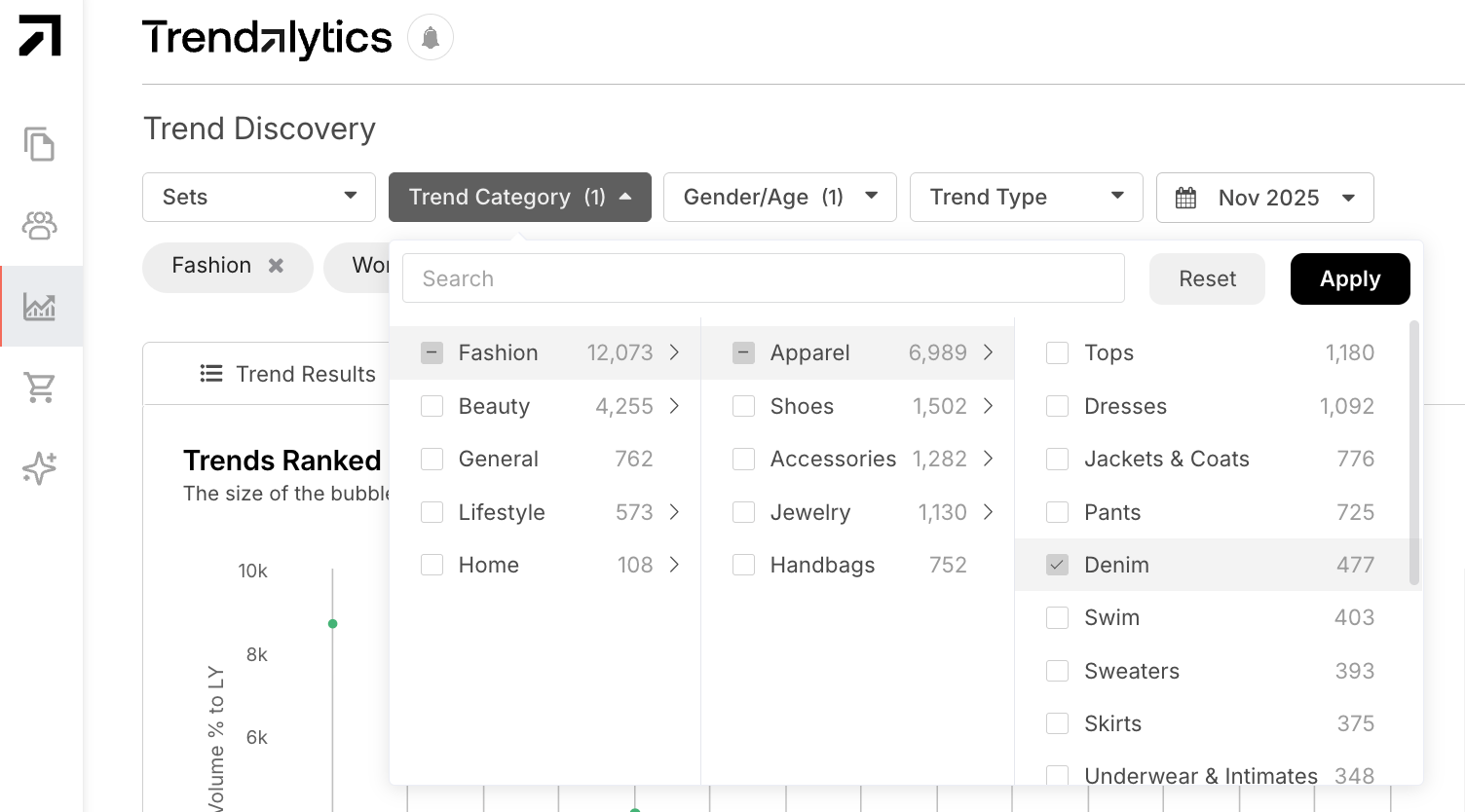
Use the Trend Category filter to narrow from broader categories, like Apparel, into subcategories such as Denim and/or Pants to uncover the top trends in overall bottoms.
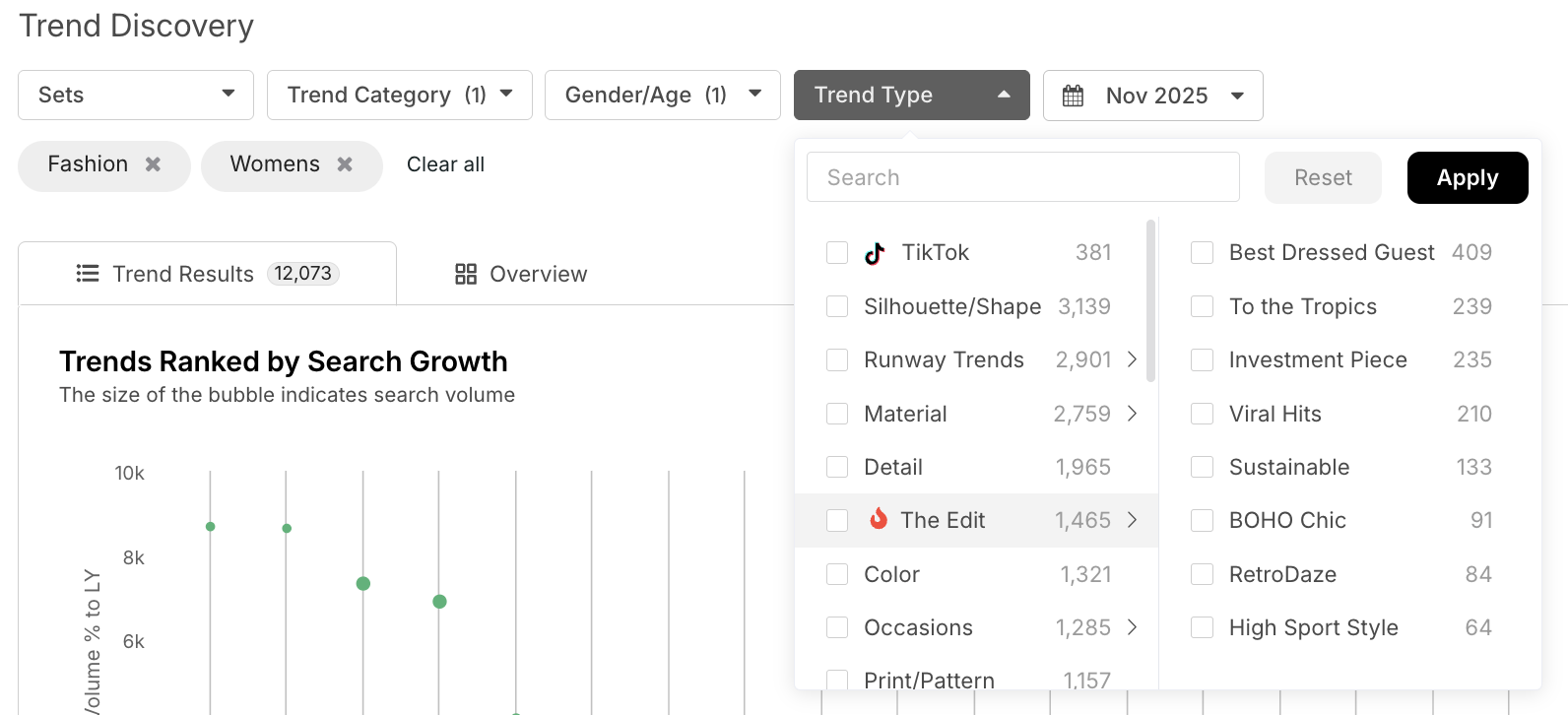
Use the Trend Type filter to explore attributes like Color, Print/Pattern, Material, and Silhouette/Shape so you can see which colors, prints, materials, or silhouettes are currently trending within your selected category.
To better understand how to navigate the platform, check out our video covering step by step how to utilize the Trend Discovery filters: Trend Category, Gender/Age, Trend Type.
How and When to Use this Tool
- Don't overlook the overall Fashion Trend Category: It can still help to see what is trending from an overview - color wise, aesthetic wise, print wise, etc. If you only look at one category with a narrow scope, you might miss that a trend like animal print is trending in a different category.
- Refer to our Macro Trend Filters: Use Trend Type filters to see current macro trends our Trend Team has identified for the year using “The Edit”. While these trends are continuing to evolve and morph throughout seasons and even years, learn more about how they continue to change and what they entail - The Edit.
For assistance, reach out to your Customer Success Manager with any questions!