
Here is a quick video to watch step by step how to analyze special sizing across market data.
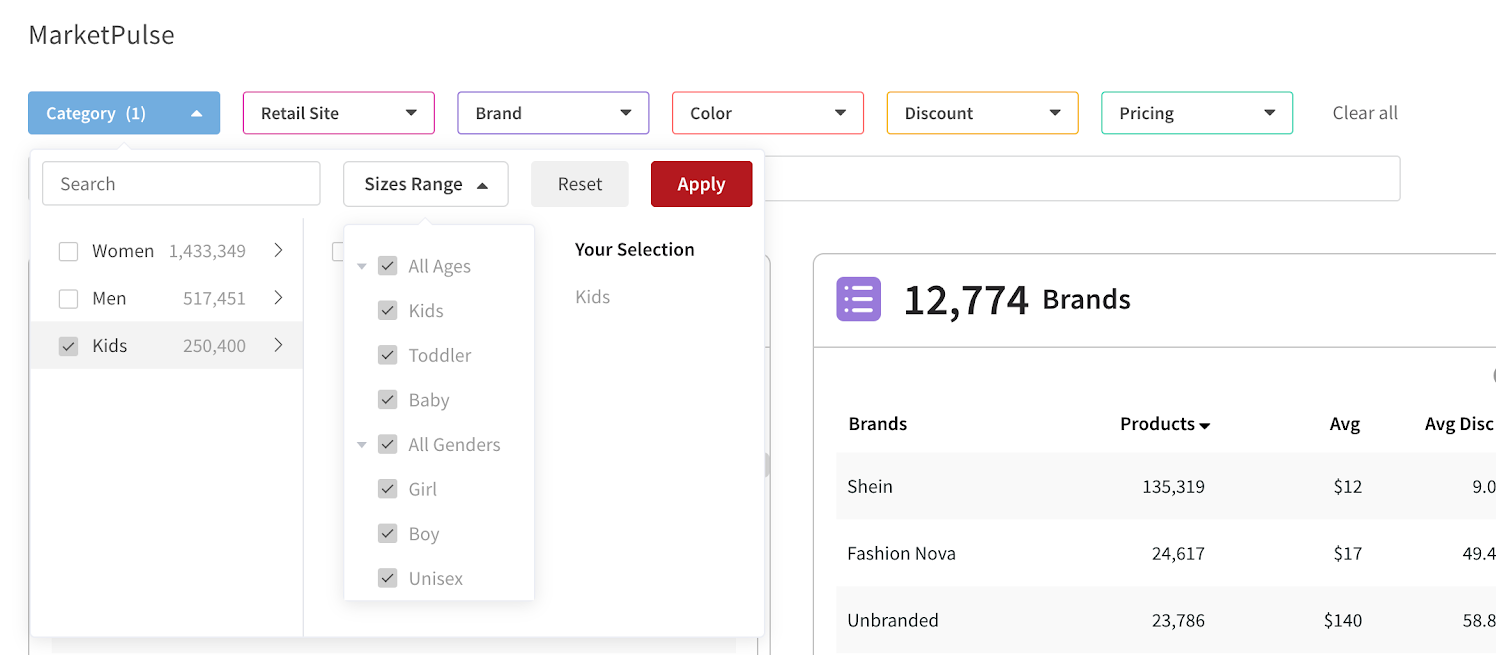
Each category includes different size range options you can use to filter your view.
To use the Size Range filter, first select the category you want to analyze, then open the Sizes Range dropdown and choose the option that fits your focus. Within the kids category, you can further narrow your results by age and gender.
TL Tip: If you want to track a special size range on a recurring basis—such as Maternity clothing—select the category and size range filter you want to monitor, then click the star to save that view for future reference.