
Request to add a term to our platform and explore available social and SKU data in the interim.
We’re continuously expanding the platform’s dictionary of terms, so you may occasionally search for a term that hasn’t been added yet.
To check, start by searching for the term in the platform. If it isn’t currently tracked, it will appear with a 'New Term' label and return no results.

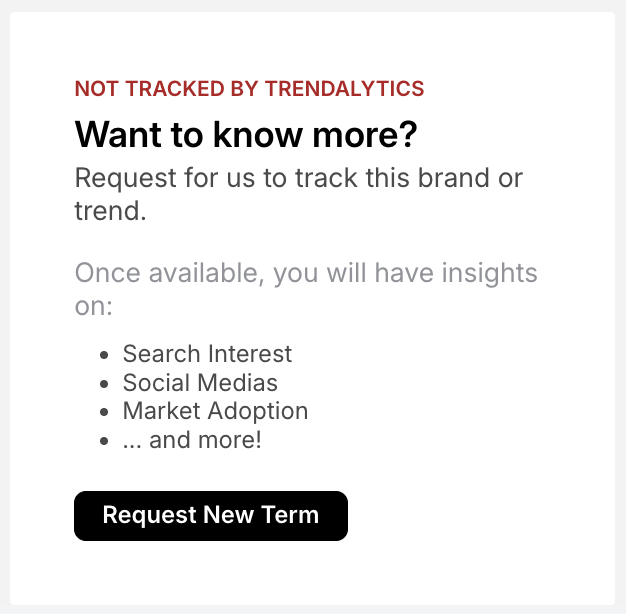
Clicking on ‘New Term: trend’ opens a detail page with available market products and social mentions related to that term. Search volume data will not appear until the term has been added to the database.
To submit your request, click ‘Request New Term.’ If there is sufficient data, the term will typically appear in the platform within about a week.
Interested to see other new trends that were added to the platform recently (by our trend team and from client requests), check out the most recent additions here.
For any assistance, reach out to your Customer Success Manager with any questions.