The Attribute Comparison Report is the fastest way to compare product counts and pricing for multiple keywords at multiple retailers, across prints, patterns, colors, fabrics, and more! This report looks at our market data and is refreshed weekly. Here is a quick video to watch step by step how to create an Attribute Comparison Report.
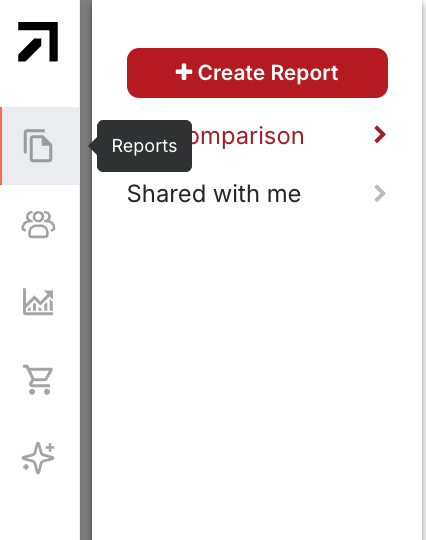
STEP 1: Click “Reports” on the left-hand navigation bar to open the sidebar where you can create a new Attribute Comparison Report.
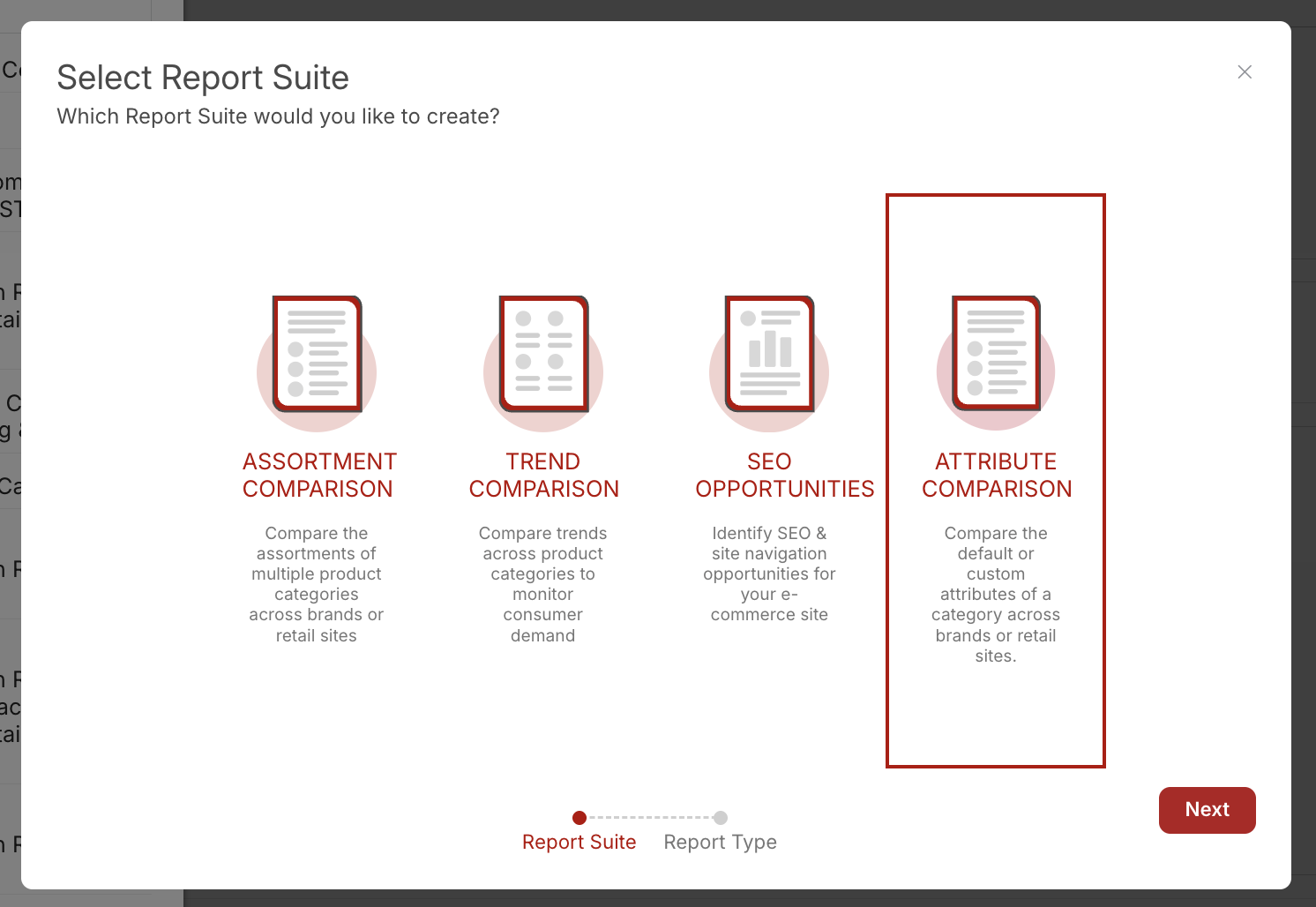
STEP 2: Then click on +Create Report to see a pop-up box. Select “Attribute Comparison” to begin the selection process to analyze product attributes across categories.
STEP 3: Choose the report that you would like to see: one brand across multiple retailers, multiple retailers against each other, and multiple brands at one retailer site.
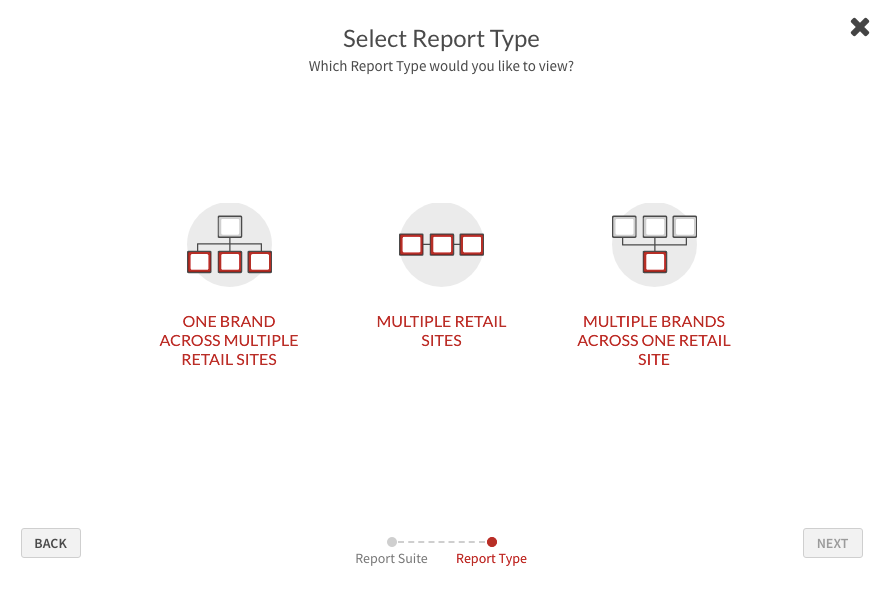
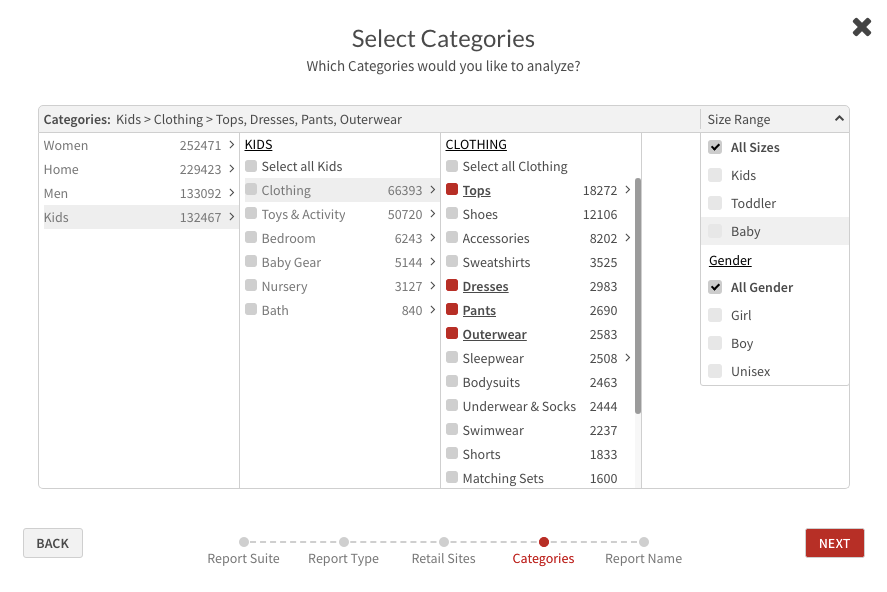
STEP 4: Continue through the selection process that best matches the information you are looking for to populate your report.
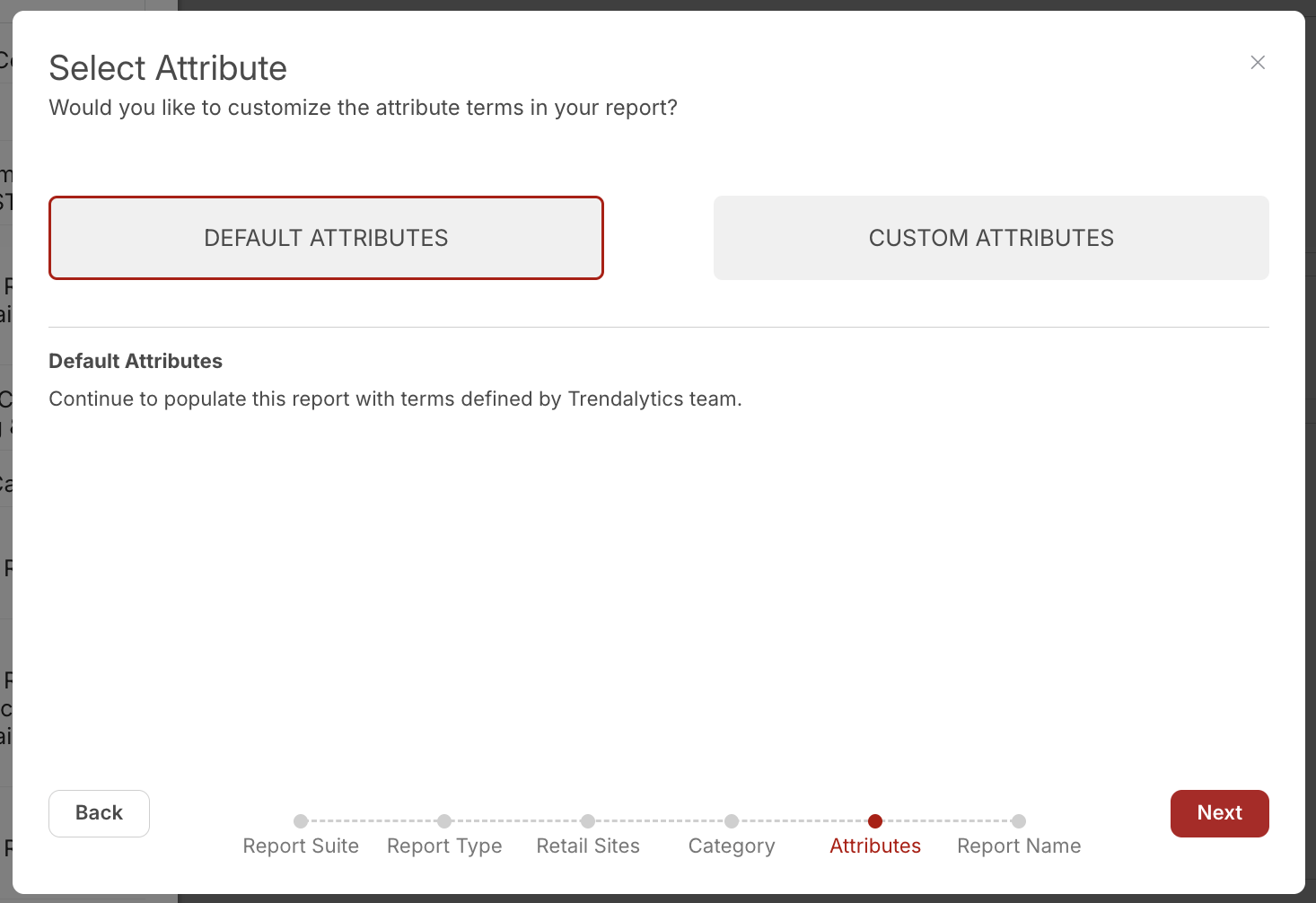
STEP 5: Customize the attributes in your report by selecting Default Attributes, defined by us, or Custom Attributes, selecting up to 15 terms of your choice.
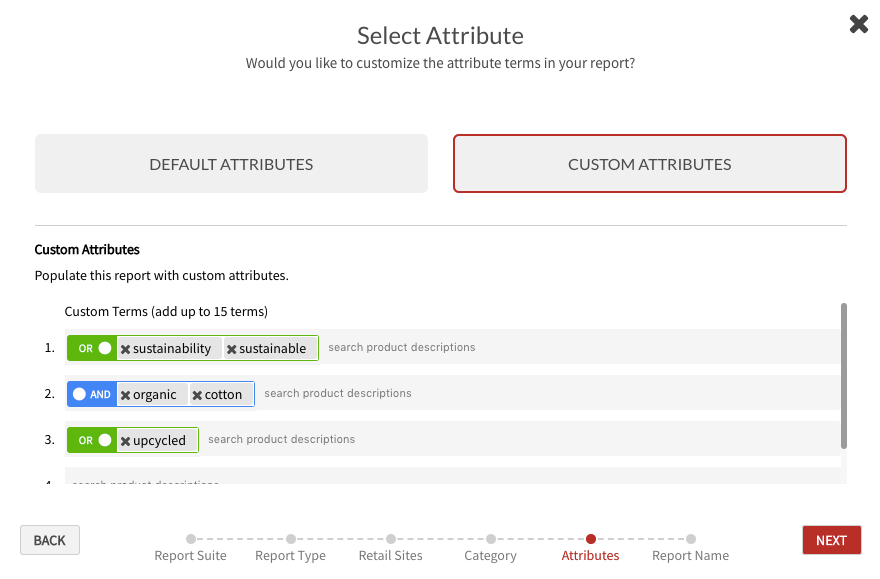
Tip: Use the And/Or/Exclude functions in the search bar to account for similar words. For example, to get the full idea of a print that is trending via interchangeable keywords, search for leopard OR cheetah together.
Report Overview
Executive Summary Tab
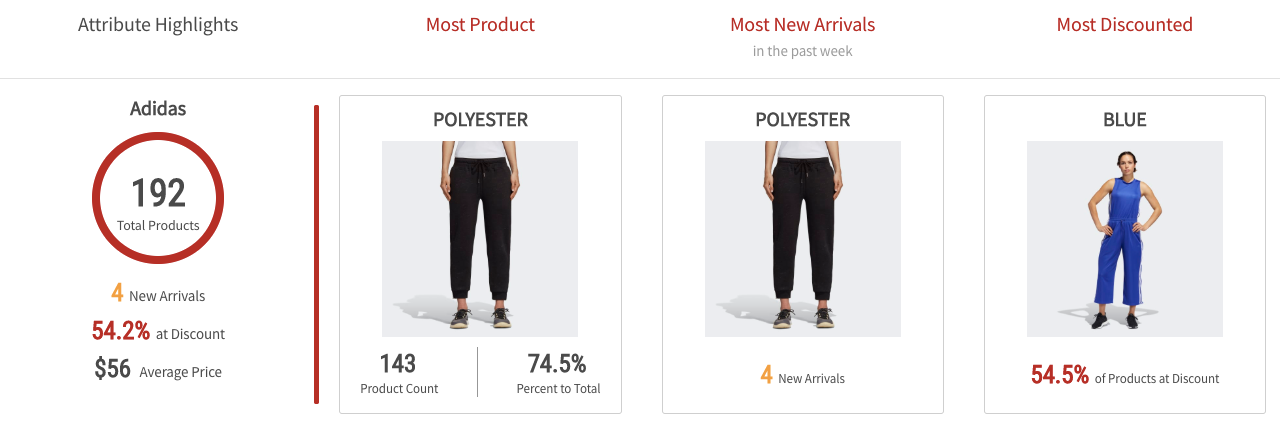
This overview highlights product count, new arrivals, average price and discount saturation broken down by attributes across retailers.
Custom Comparison Tab
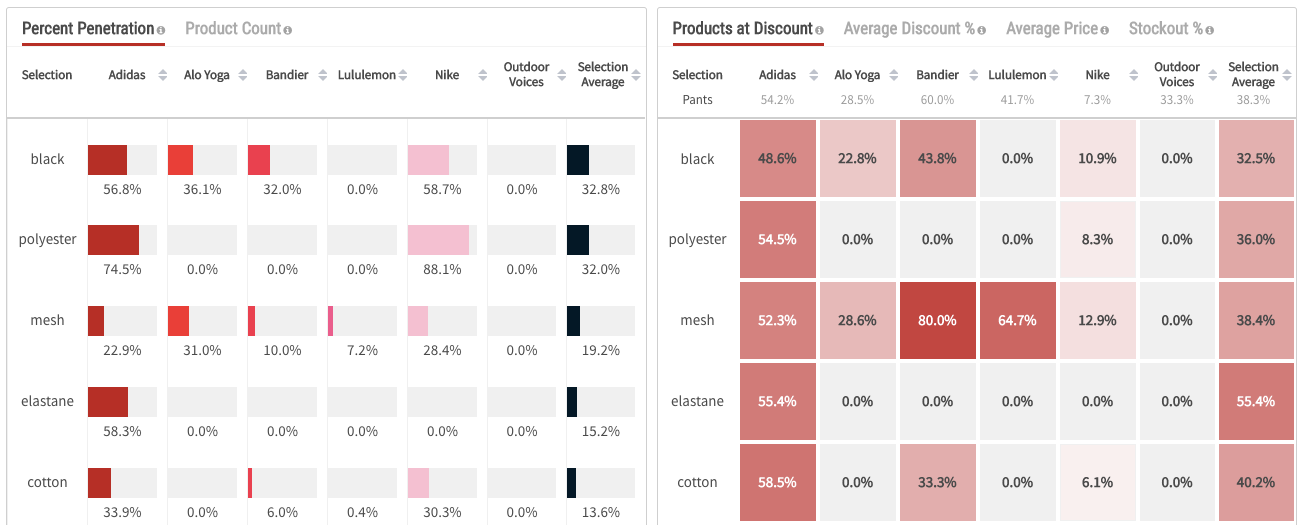
This comparison helps you understand the product count/penetration, as well as the discount level, pricing, and stockout % for the attributes listed.
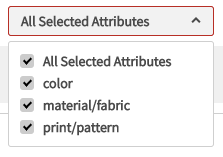
Tip: When using the Default Attributes function in this report, use the dropdown menus at the top of the page to filter to specific attribute categories and download to excel to see all the attributes in the default list.